

Service level objectives (SLOs) are now generally available in Logfire. Set a reliability target and a rolling window, and Logfire tracks the error budget and creates burn-rate alerts to warn when you're spending it too quickly.
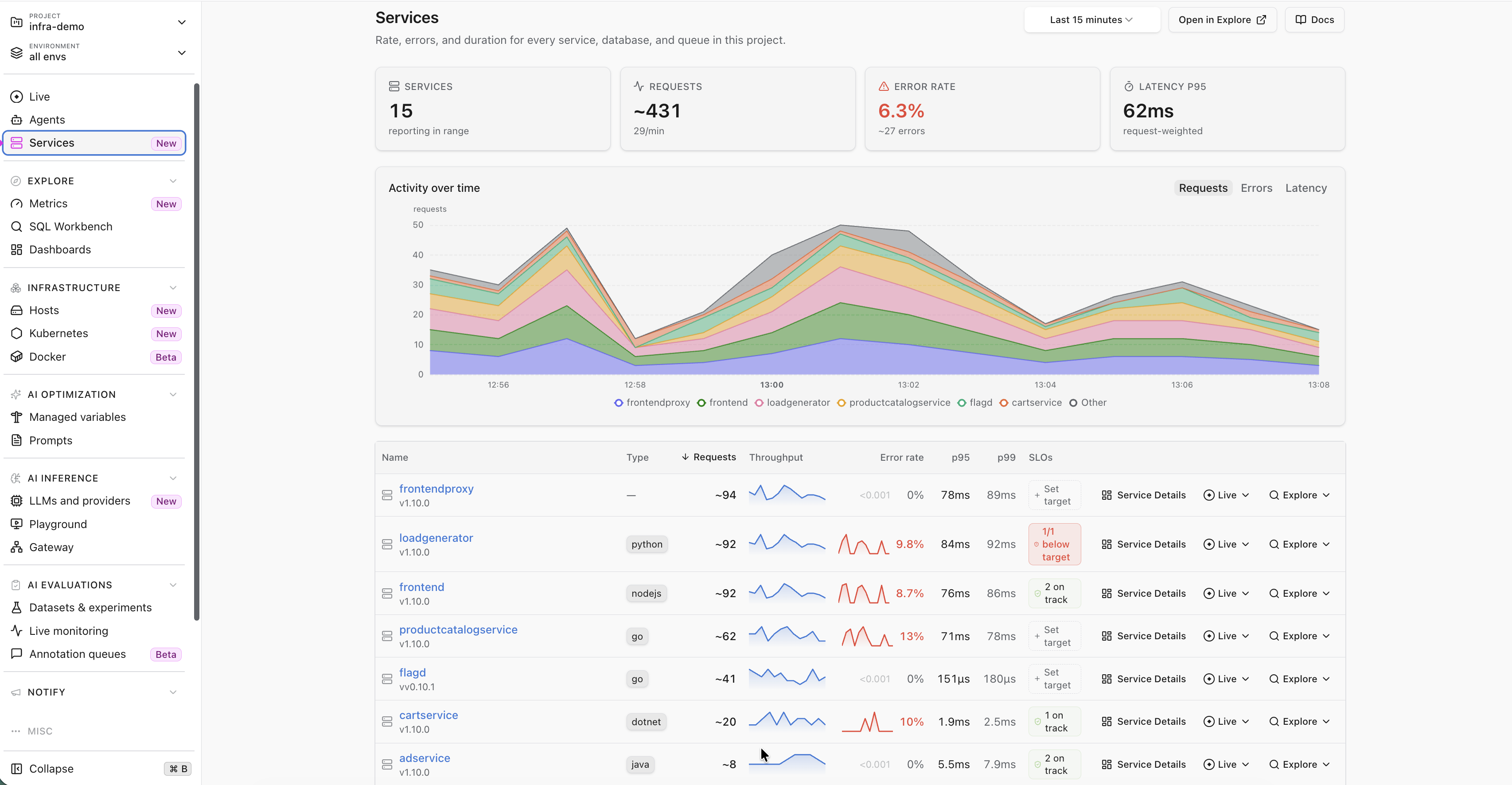
Choose an availability, latency, AI model-call reliability, or AI quality target, or define good and total events with custom SQL. Preview the target against recent data before saving it, then route the generated alerts to your notification channels. The Services inventory shows which targets are on track and which are below target.
SLOs no longer require an Early Access opt-in. They are available on Enterprise, with a limited number on Growth and no limit when self-hosted.
Where to find it: Service levels under Notify in the project sidebar, or Set target in the Services inventory. See the Service levels documentation and our SLO monitoring guide.