

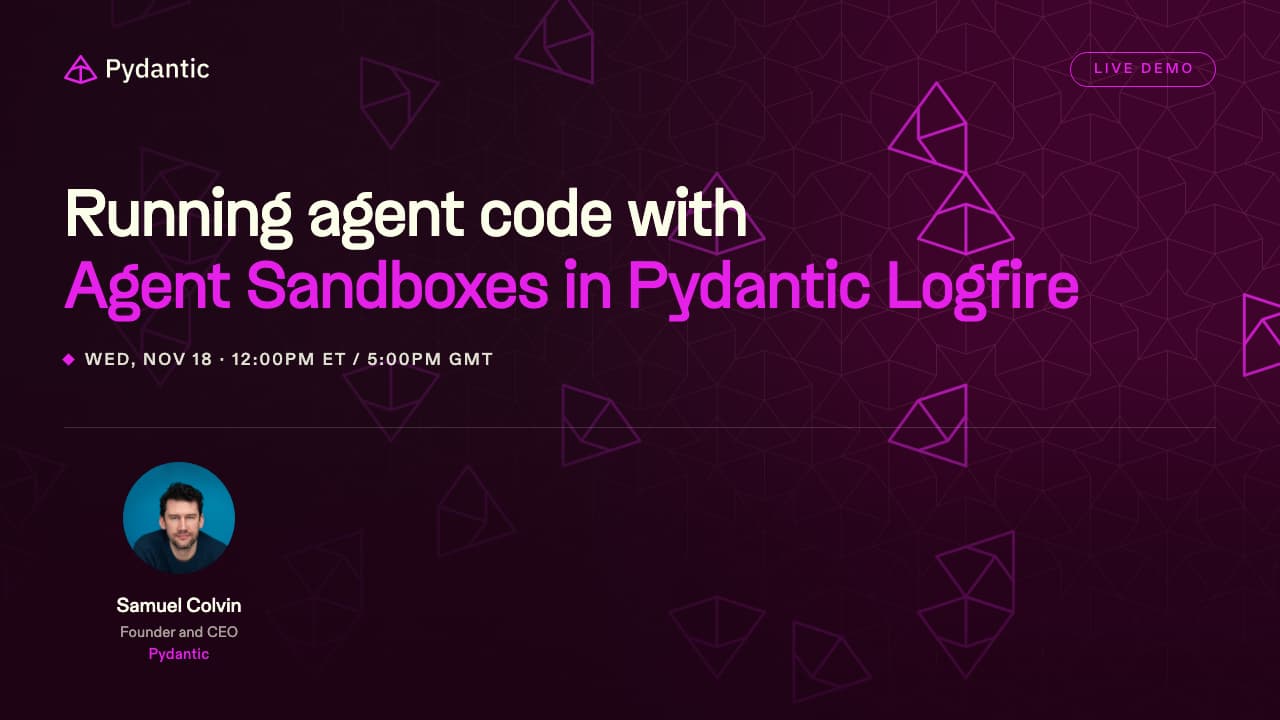
Live demo: running agent code with Agent Sandboxes in Pydantic Logfire
Samuel Colvin connects an agent to Agent Sandboxes in Pydantic Logfire, has it call your own tools from the code it writes, and traces every run. Thirty minutes, with the last part kept for your questions.
Watch Samuel Colvin run the code an agent writes in Agent Sandboxes, live, then bring your questions.
Overview
- Live workshop
- Online event
- Free
Speakers
-
 Samuel Colvin Founder & CEO · Pydantic Creator of Pydantic, the most widely used data validation library for Python. Building developer tools for the Python and AI ecosystem.
-
Laís Carvalho Growth Marketing & DevRel, host · Pydantic Growth marketing & Developer Relations at Pydantic. Passionate about Python, open source, and building great developer experiences.
About this event
Agents work better when they write a short script to call your tools. That script still has to run somewhere, and a whole container or VM is a lot of machine for ten lines of code.
Join Samuel Colvin, creator of Pydantic, for a live walkthrough of Agent Sandboxes in Pydantic Logfire: a sandbox for the code your agent writes. Not a container or VM. An isolated interpreter written in Rust, powered by Pydantic Monty, our open-source interpreter.
Who it's for
Engineers and platform teams building agents inside a product, especially agents that call many tools or work with large tool results.
Before you join
Every Logfire plan includes 50,000 free Agent Sandboxes invocations a month. Sign up to follow along.
A 30-minute session, including live Q&A.
What you'll learn
- Why code mode changes what agents need to run
- A live demo: connecting an agent, calling your own tools, and seeing every run traced in Logfire
- What the code your agent writes can and can't reach
- Live Q&A
Save your spot
Register today and we'll send you the link to join, reminders, and the recording afterwards.
You're on the list
Check your inbox for joining details and reminders before the session starts.
We couldn't save your registration
Please go back and try again in a moment.
Explore Logfire
Explore our open source packages
