

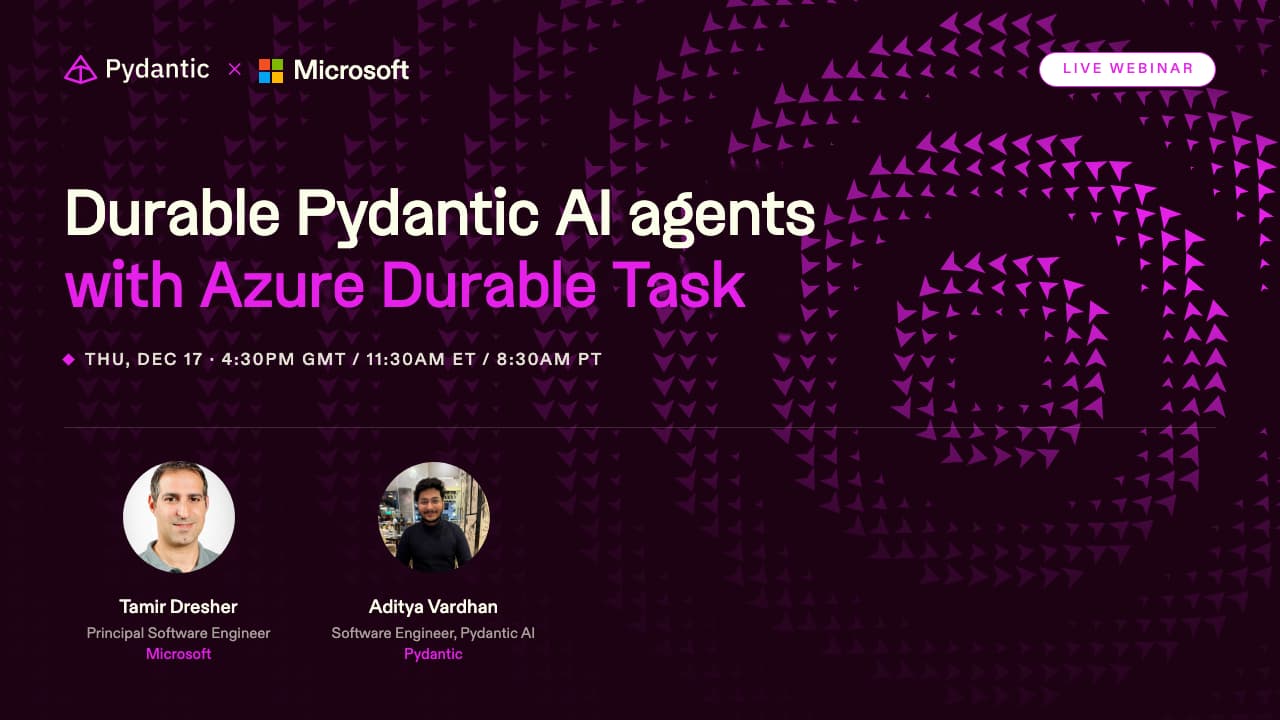
Live demo: durable Pydantic AI agents with Azure Durable Task
A worker dies halfway through an agent run, and a second worker picks it up from the step that was interrupted. Tamir Dresher from Microsoft and Aditya Vardhan from Pydantic build a durable Pydantic AI agent on Azure Durable Task, stop its worker partway through, and trace every model request, tool call and replay in Logfire.
Microsoft and Pydantic make a Pydantic AI agent survive a dead worker with Azure Durable Task, traced in Logfire.
Overview
- Live workshop
- Online event
- Free
Speakers
-
 Tamir Dresher Principal Software Engineer · Microsoft Principal Software Engineer on Microsoft's Azure Serverless team, working on Durable Functions, workflow orchestration and large-scale distributed systems.
-
Aditya Vardhan Software Engineer, Pydantic AI · Pydantic Software Engineer at Pydantic AI.
About this event
A deploy, a scale-in event or an out-of-memory error kills the worker running your agent halfway through a task. Restart from the top and you pay for every model request again, and maybe refund a customer twice.
Pydantic AI Harness now ships AzureDurableTaskDurability. By default it runs each model request and tool call as a Durable Task activity, and Azure Durable Task Scheduler records every result. When a worker dies, the next one replays the finished steps from history and runs only the one that was interrupted.
Tamir Dresher, Principal Software Engineer on Microsoft's Azure Serverless team, and Aditya Vardhan, Software Engineer on Pydantic AI, build a durable support agent live. Then they kill its worker mid-run and watch a second worker pick it up. Pydantic Logfire traces every model request, tool call and replay along the way. The last part of the hour is for questions.
Who it's for: Python developers running AI agents on Azure, and anyone whose agents have to finish a task after a restart.
Read ahead: Durable Pydantic AI agents with Azure Durable Task walks through the agent this session builds.
What you'll learn
- How to make an existing Pydantic AI agent durable with one capability and an orchestrator
- What replay means for your code: idempotent tools, deterministic orchestrators, and why you can't rename a tool while runs are in flight
- How to pause for human approval without holding an activity open
- Moving from the local emulator to Azure Durable Task Scheduler
Save your spot
Register today and we'll send you the link to join, reminders, and the recording afterwards.
You're on the list
Check your inbox for joining details and reminders before the session starts.
We couldn't save your registration
Please go back and try again in a moment.