

Explaining what an AI agent actually said usually means a screenshot with half the conversation cropped out, or a screen share nobody can search afterward. Public Conversations turns one LLM call into a shareable link instead: by default it shows only the user, assistant, and tool messages as a plain chat, alongside the share title and your organization and project name. The system prompt, tool definitions, span events, and every other span attribute stay hidden unless the link is switched to Advanced mode, which exposes the full span, prompts and metadata included, so it's worth reserving for people who genuinely need that detail.
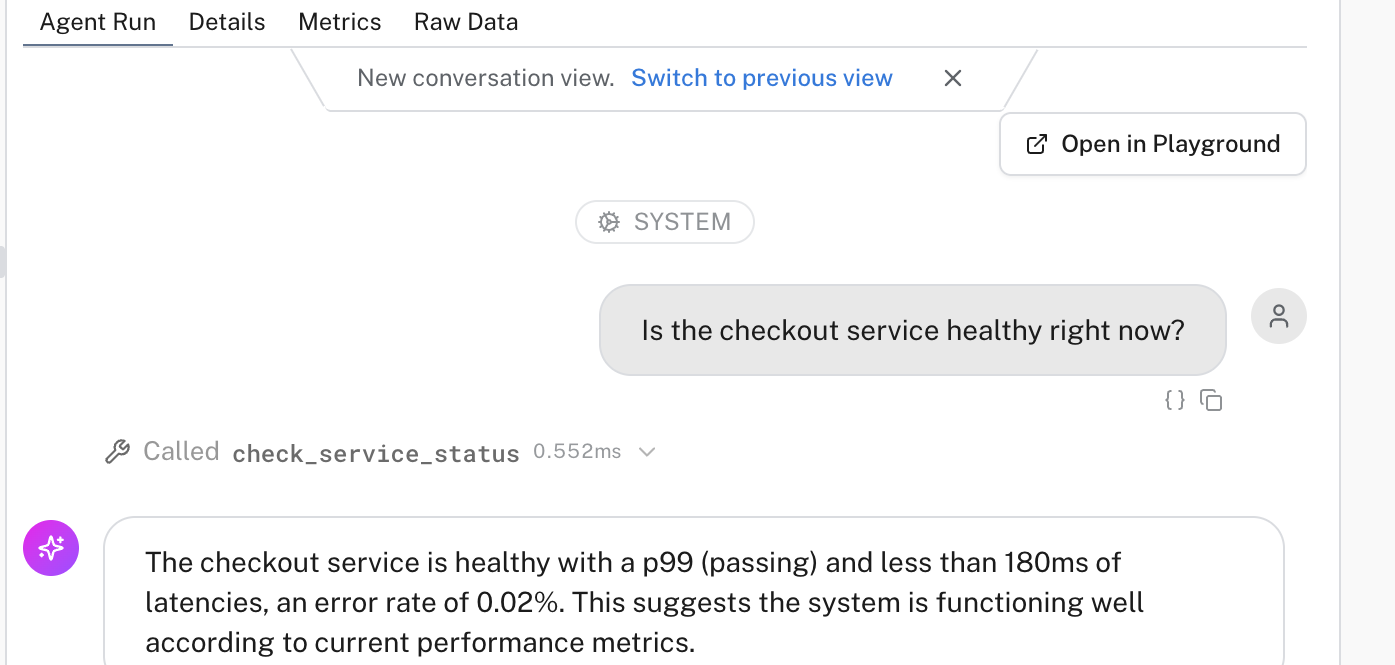
Open any agent run in Live view and its conversation renders as a clean chat, tool calls included:
The same rendering is available from the agent's own Runs page, on the Messages tab:
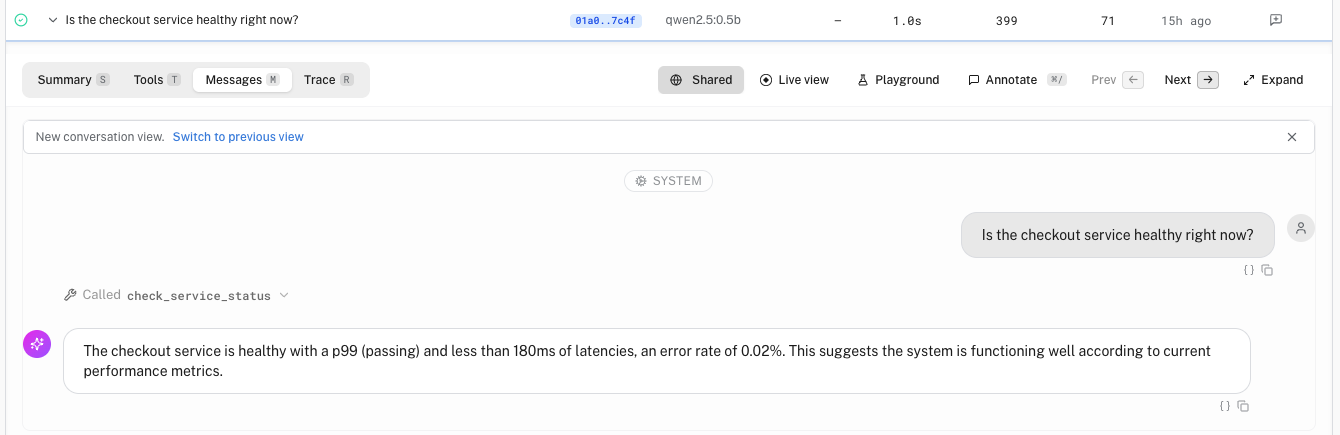
Share it, and whoever you send the link to sees exactly that conversation, signed out:

Here's the whole flow, start to finish:
Links are unauthenticated by design. Give one an expiry (a week by default, or never), and revoke it at any time.
Where to find it: turn on Public conversations in Early access, then look for "Share conversation" on an LLM span in Live view or on an agent run's detail header. Manage or revoke shared conversations. See the Public Conversations guide.