Integrate Logfire
In this section, we’ll focus on integrating Logfire with your application.
Harnessing the power of OpenTelemetry, Logfire not only offers broad compatibility with any OpenTelemetry instrumentation package, but also includes a user-friendly CLI command that effortlessly highlights any missing components in your project.
To inspect your project, run the following command:
logfire inspect
This will output the projects you need to install to have optimal OpenTelemetry instrumentation:
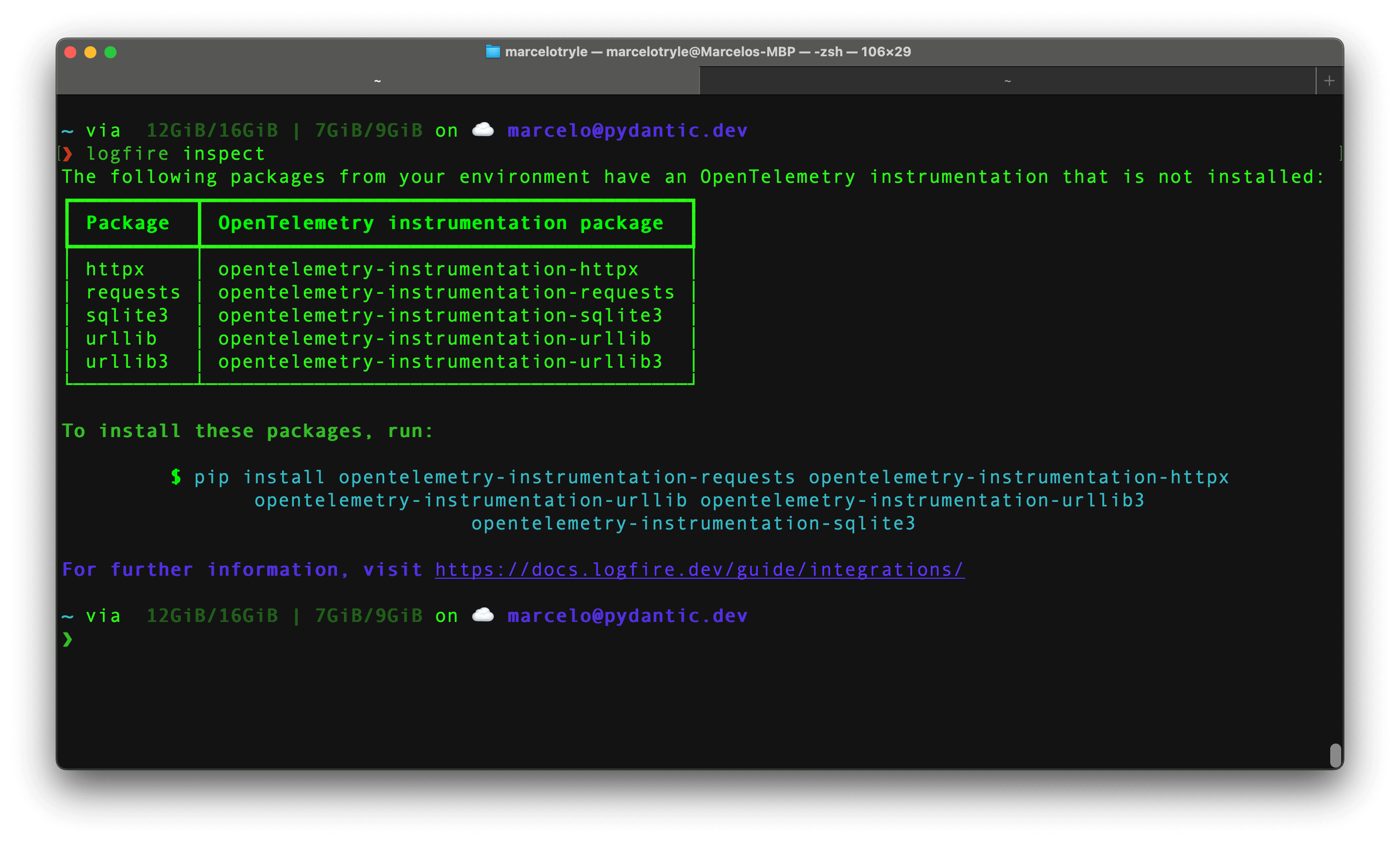
To install the missing packages, copy the command provided by the inspect command, and run it in your terminal.
Each instrumentation package has its own way to be configured. Check our Integrations page to learn how to configure them.
There are many logging systems within the Python ecosystem, and Logfire provides integrations for the most popular ones: Standard Library Logging, Loguru, and Structlog.
To integrate Logfire with the standard library logging module, you can use the
LogfireLoggingHandler class.
The minimal configuration would be the following:
from logging import basicConfig

import logfire

logfire.configure()
basicConfig(handlers=[logfire.LogfireLoggingHandler()])
Now imagine, that you have a logger in your application:
from logging import basicConfig, getLogger

import logfire

logfire.configure()
basicConfig(handlers=[logfire.LogfireLoggingHandler()])

logger = getLogger(__name__)
logger.error('Hello %s!', 'Fred')
If we run the above code, with python main.py, we will see the following output:
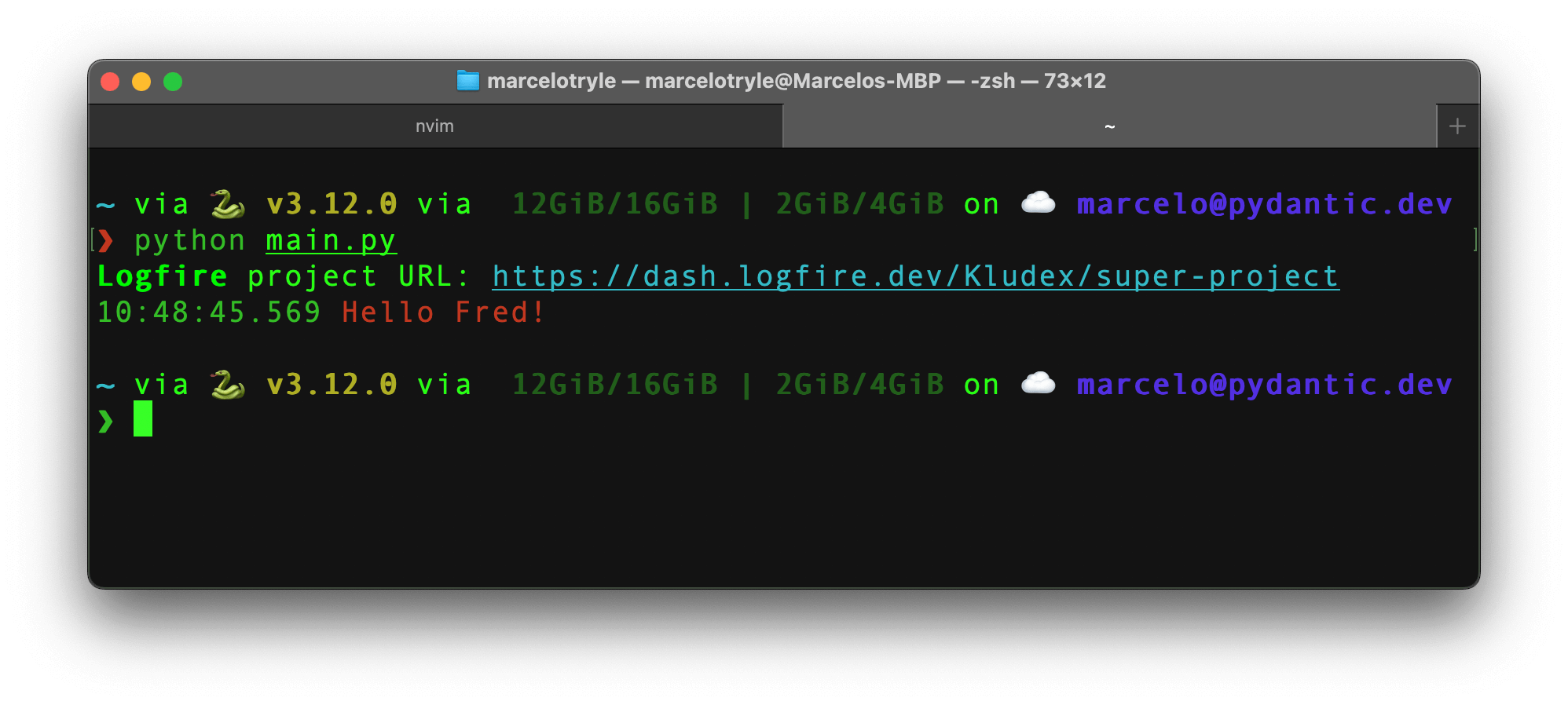
If you go to the link, you will see the "Hello Fred!" log in the Web UI:
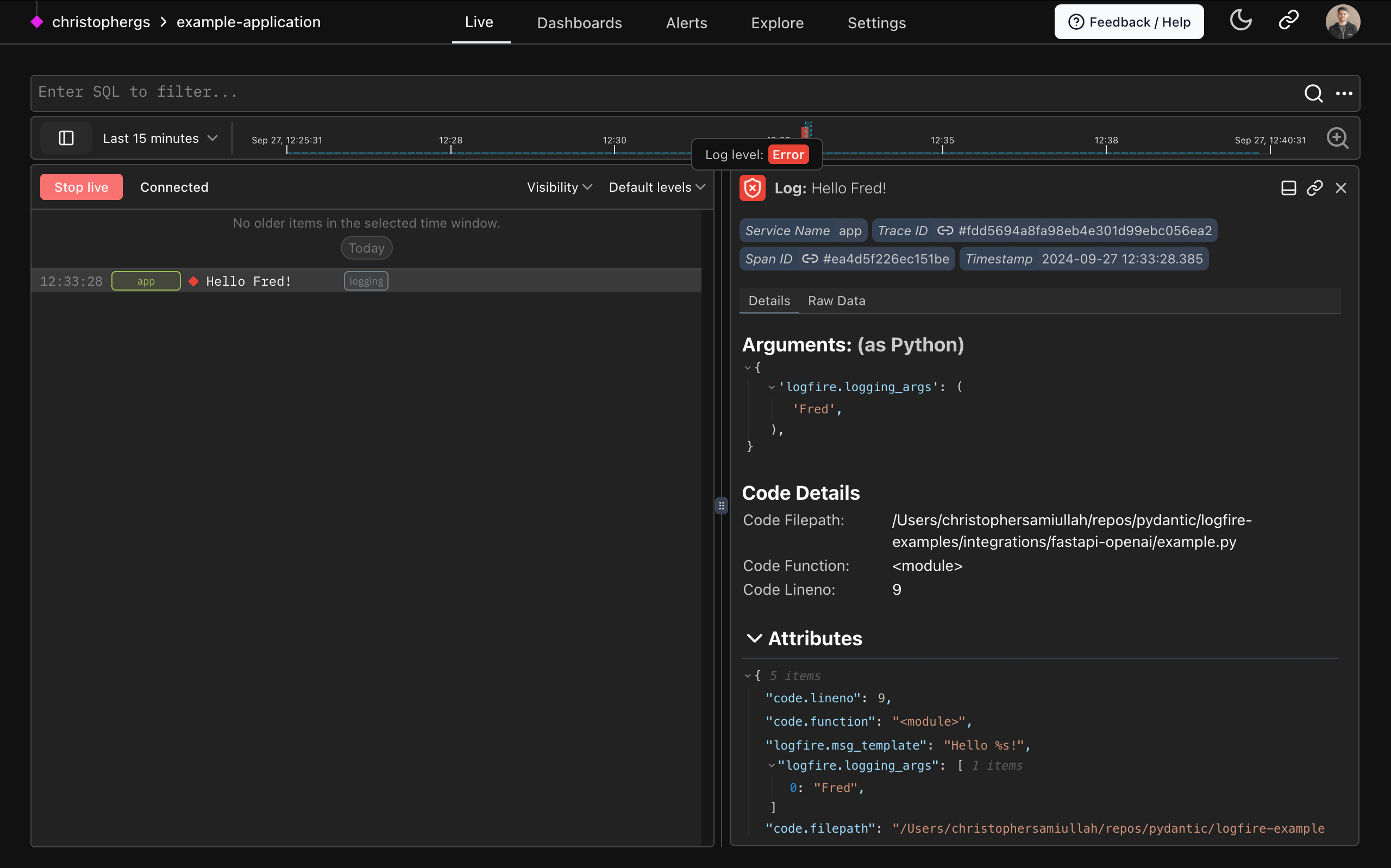
It is simple as that! Cool, right? 🤘
To integrate with Loguru, check out the Loguru page.
To integrate with Structlog, check out the Structlog page.