Convert to Organization
Logfire allows you to convert your personal account into an organization, making it easier to collaborate with a team and manage projects at scale. Converting to an organization requires selecting a paid plan. You will have 5 days to chose a plan once you converted your account, before the organization gets locked.
Navigate to your account home page, and go under the Plan & Usage page.
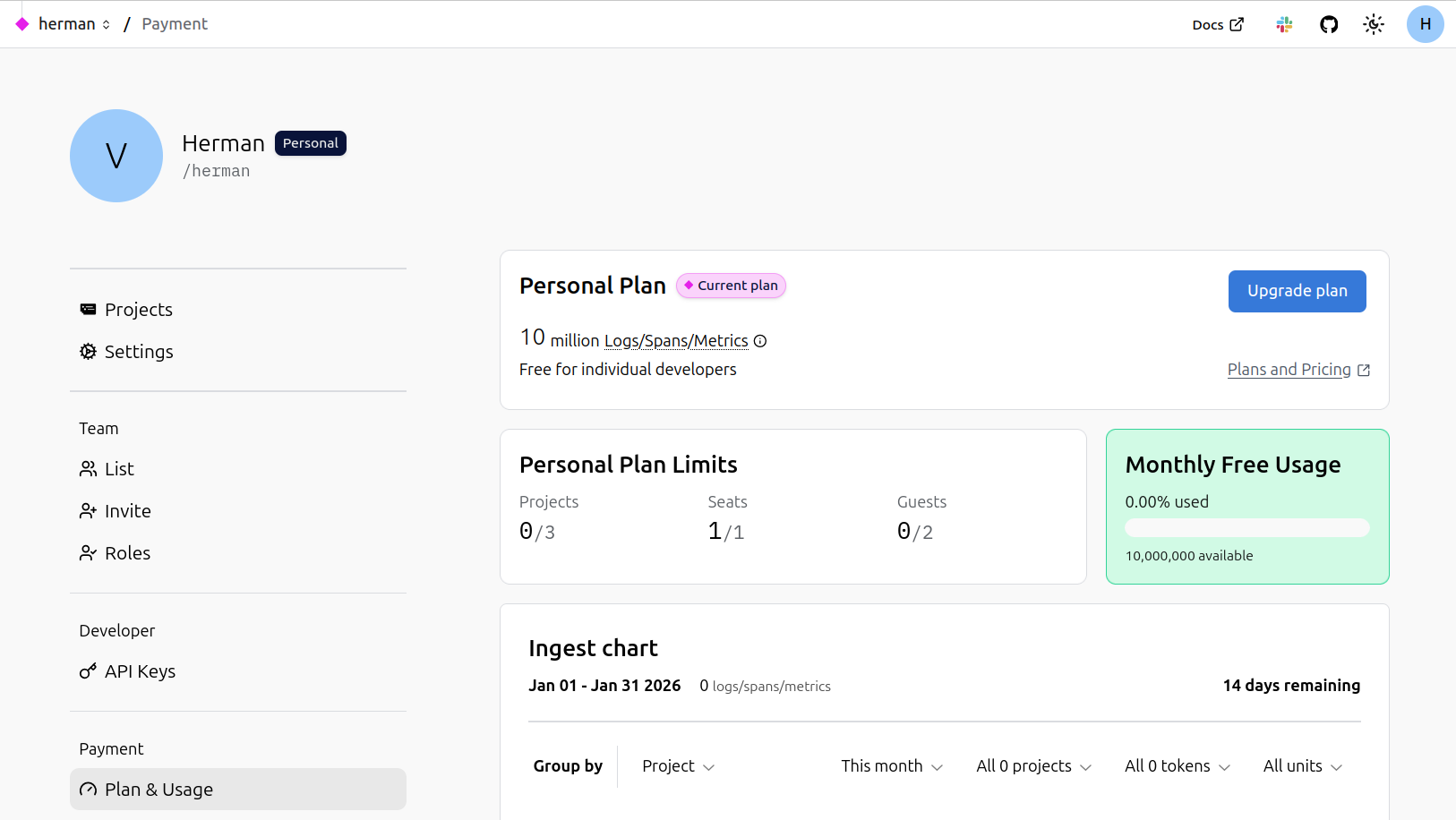
Click Upgrade plan. A modal will appear, asking you to either convert your account or create a new organization. Choose the first option.
A new modal will appear, outlining the main points of the conversion:
- All existing projects, members, alerts, dashboards, and settings will be moved to the new organization.
- Write tokens will continue to work; you do not need to change any ingest URLs.
- You’ll define your new organization’s handle and display name.
- You can optionally edit the username and display name for your new personal account.
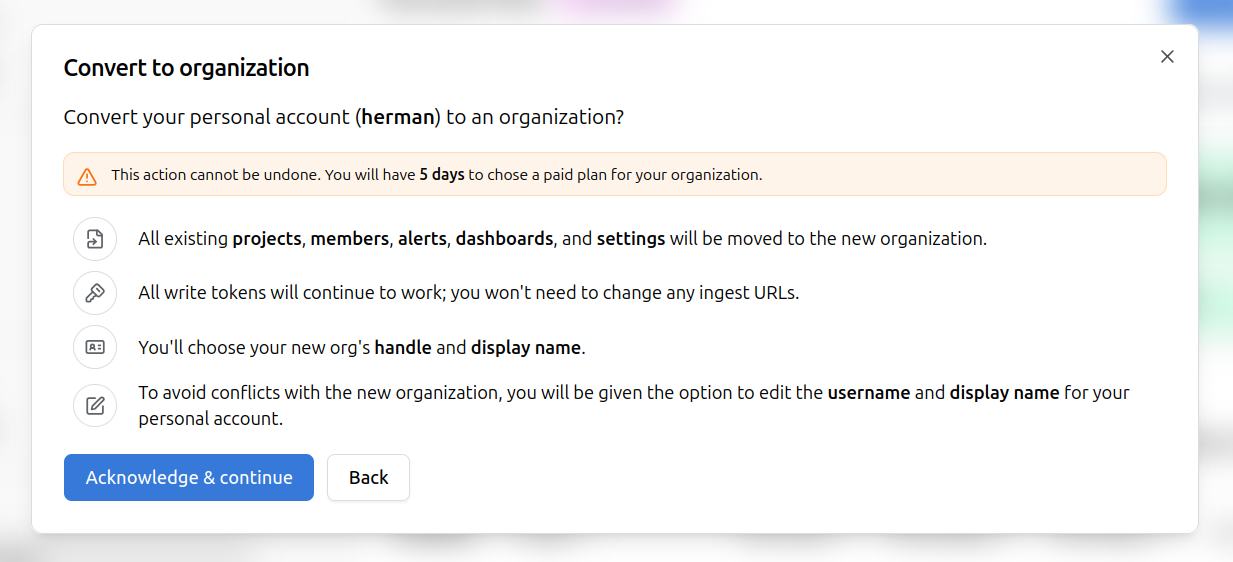
Click Acknowledge & continue to proceed.
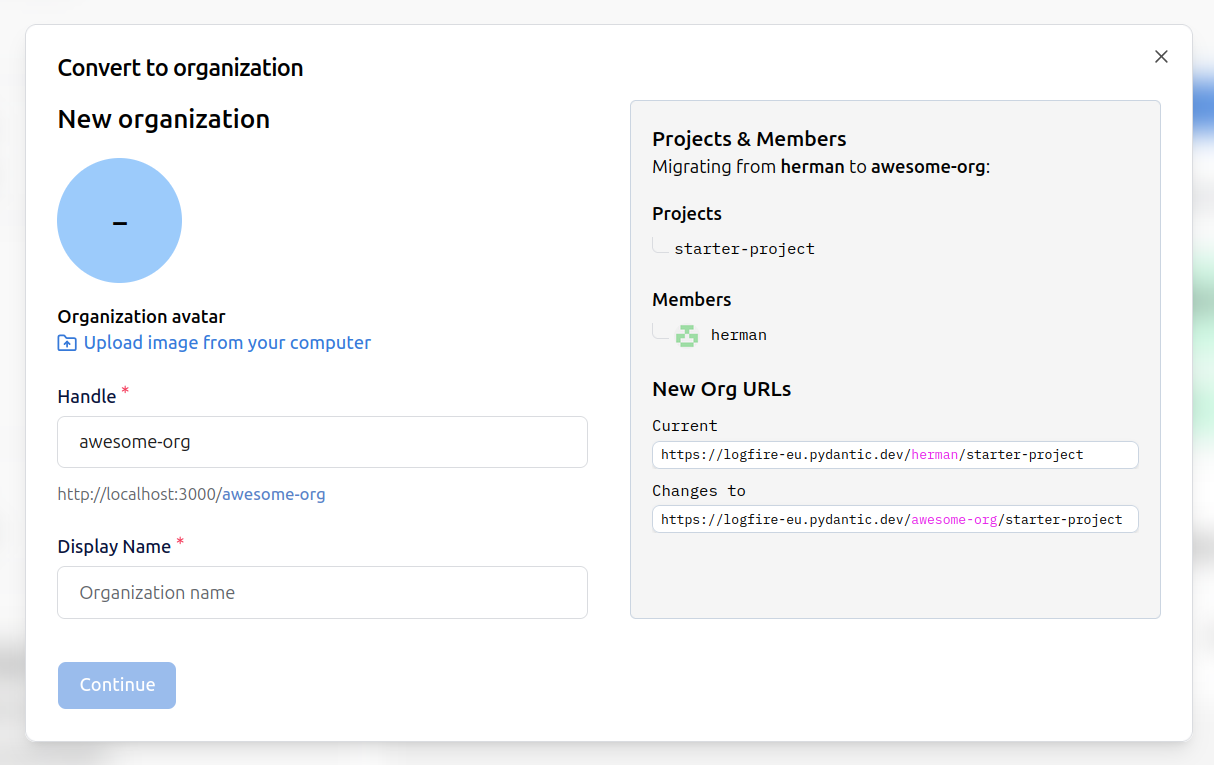
In the next modal, you can:
- Upload an organization avatar.
- Specify the organization handle (used in URLs).
- Set the organization display name.
On the right, you’ll see a summary of the migration:
- All your projects and members will be moved to the new organization.
- The project URLs will change from:
https://logfire-eu.pydantic.dev/your-username/project-nametohttps://logfire-eu.pydantic.dev/your-org-handle/project-name.
After setting up the organization, you’ll be prompted to create a new (empty) personal account with the same name as before. You can confirm and complete the conversion, or go back if you wish to make changes.
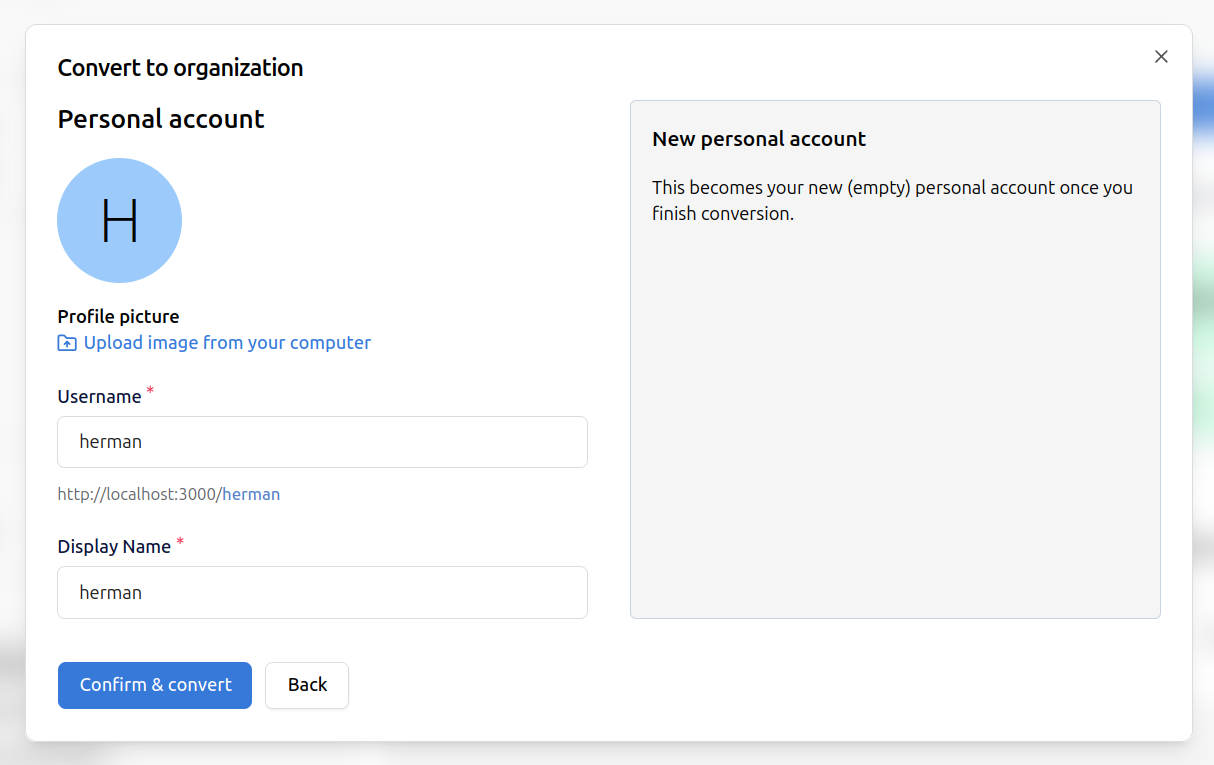
Click Confirm & convert. The conversion process will complete, and you’ll be redirected to the Manage plans page, to select a paid plan.
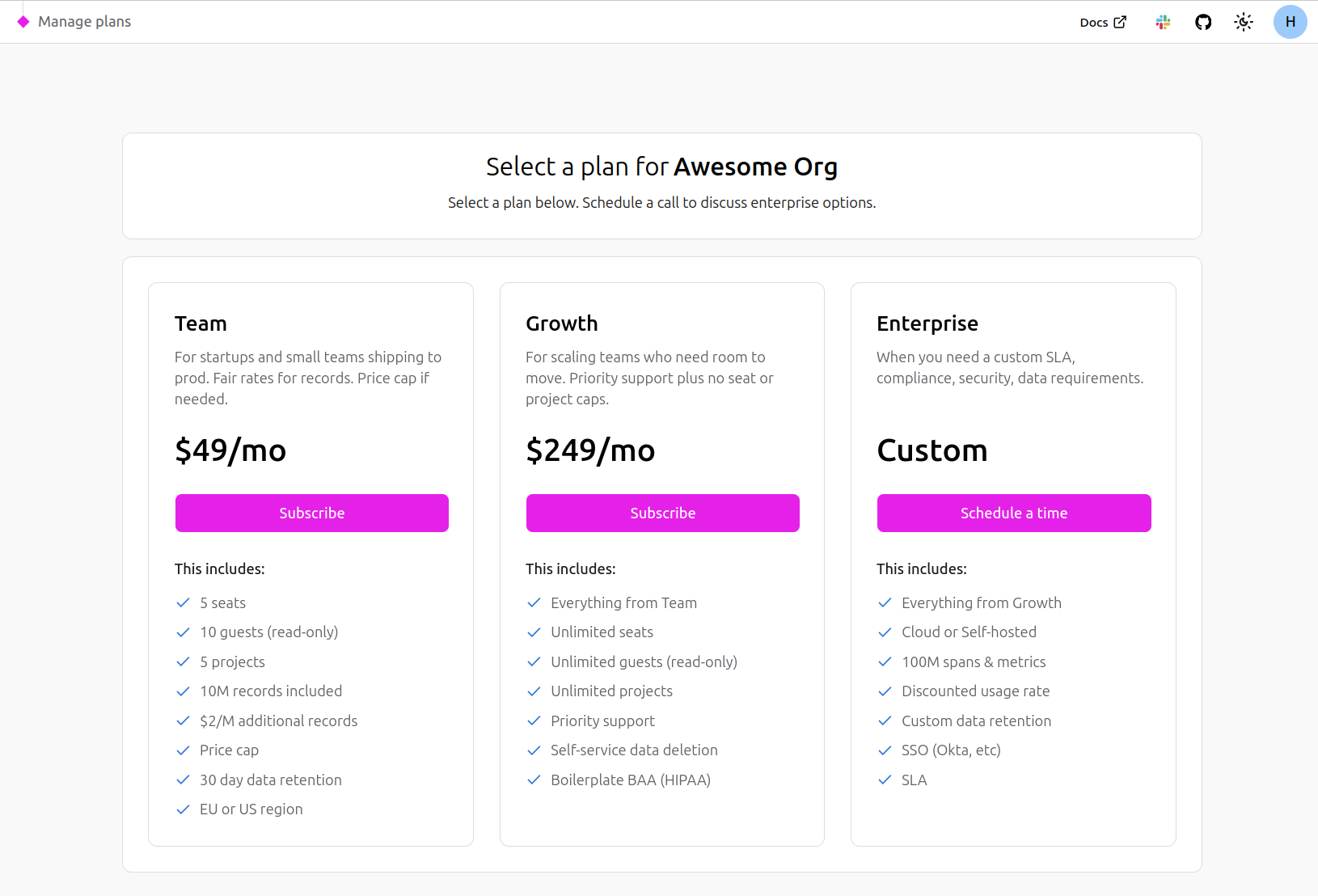
You can still make use of your new organization, but you will have 5 days to select a paid plan before the organization gets disabled.
- All your data, projects, and settings are preserved during the migration.
- Only the URL changes to reflect the new organization handle.
- The new organization needs to be under a paid plan.
- Your new personal account will be empty, ready for individual use if needed.
See also: Organization Structure Reference